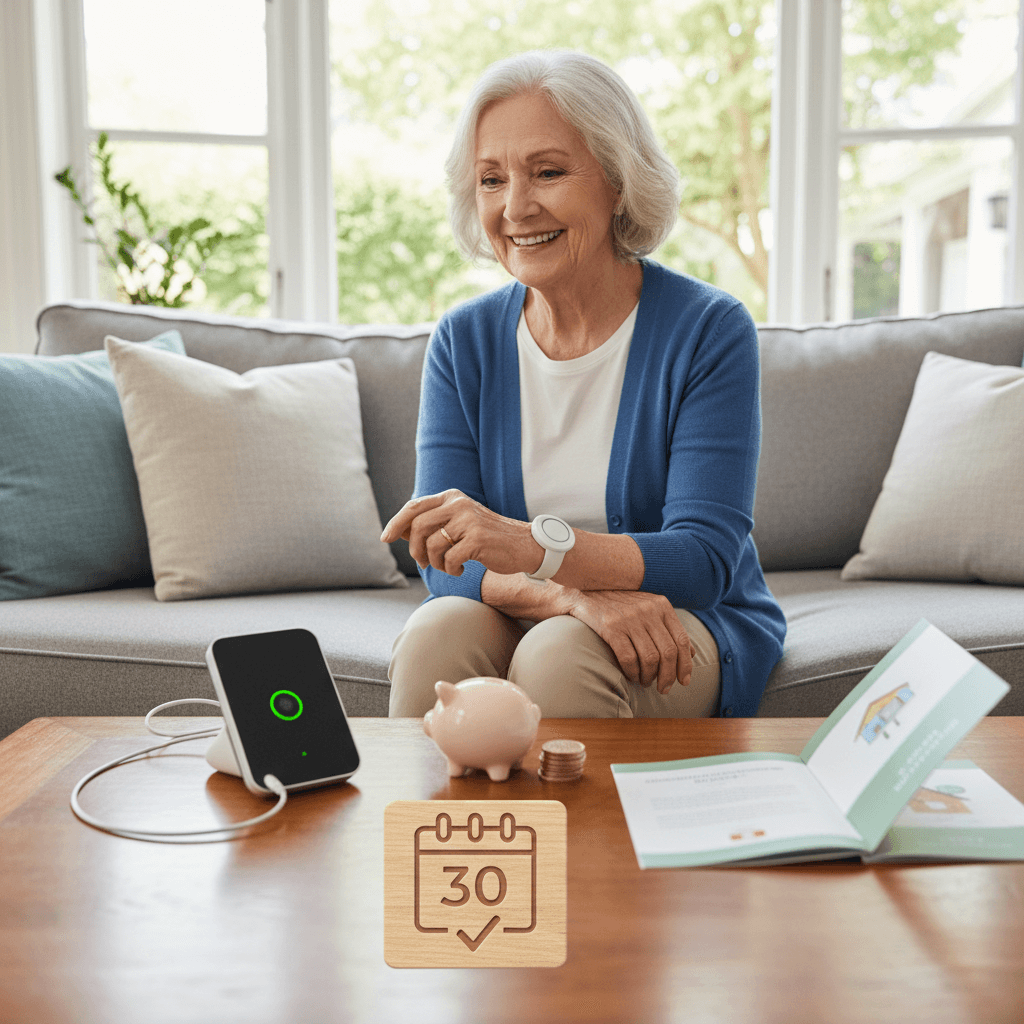
Finding medical alerts without monthly fees can feel like a relief for seniors on a tight budget. Many families assume ongoing monitoring is the only way to get emergency coverage. That is not always true. There are practical choices that lower recurring costs while still keeping a senior safe at home and on the go.
This article lays out affordable senior safety options that do not demand a monthly contract. I will explain device types, how to compare features, ways to reduce hidden costs, and where to look for local programs that can help. The goal is to give clear steps that caregivers and older adults can use right away to pick the right option for their life and finances.
Why medical alerts without monthly fees are a solid choice for many seniors
Monthly subscription plans can add up quickly. Even a modest fee of twenty dollars per month reaches nearly two hundred fifty dollars per year. For people living on fixed incomes a one time payment can be easier to manage while still providing critical protection.
No monthly fee options also reduce long term financial commitments. If a senior moves, changes health needs, or wants to test a new device, a no subscription purchase avoids cancellation policies and contract complications. When cost is the biggest barrier to adopting any safety device, these options expand choices and support independence.
One time purchase devices that require no subscription
There are several categories of devices sold for a single price that do not require monitoring plans. Prices vary by brand and capability, but many fall in the fifty to two hundred dollar range for standard models. Key tradeoffs to watch for include whether the device must be used with a smartphone, battery life, and whether it offers fall detection.
Simple pendants and buttons
These are small wearable buttons that connect directly to a caregiver phone or to a preprogrammed contact list. When pressed they call the saved numbers until someone answers. They are easy to use and often waterproof for shower safety. The downside is that someone must be available to pick up the call for help to arrive.
Wearable GPS devices with emergency buttons
Some GPS watches and pendants include a dedicated emergency button plus location tracking. With no monthly plan these usually work by pairing to a smartphone or using a preloaded SIM card that charges only when data is used. They can be very helpful for seniors who travel frequently or have wandering risk. Make sure the device clearly notes whether any cellular access fees apply after purchase.
Smartphone based options and apps that avoid subscription fees
Modern smartphones include features that can serve as medical alerts at no extra monthly cost. Emergency call and SOS functions can contact emergency services directly. There are also apps that send location and a help request to selected contacts. These options require comfort using a phone and keeping it charged and on the person.
For seniors who already own a smartphone, this can be the lowest cost route. Train the senior and family contacts on how to use SOS, and run a weekly test so everyone knows the sound and procedure. Add a dedicated shortcut on the home screen to simplify the process.
Pay as you go cellular watches and emergency SIM plans
Prepaid cellular options let a family avoid monthly contracts while still giving a wearable device independent cellular access. A family can buy a smartwatch that supports emergency calling and then use a pay as you go SIM or a low use prepaid plan. This keeps device bills low if the service is rarely used.
When comparing these options check battery life for standby and active GPS use. Some watches last several days on a single charge while others need daily charging. Pick what matches daily routines. Also check how long the prepaid minutes or data remain valid before they expire.
Community programs, veterans benefits and local resources that help cut costs
Many communities have nonprofit programs or health agencies that lend or provide no fee emergency devices to older residents. Local aging services, senior centers, and some faith based groups often know where to apply for equipment grants or loan programs. Veterans and their spouses may be eligible for equipment through veterans health programs.
Online articles and directories that focus on low cost elder safety can also guide families to state level funding and local vendors offering devices without recurring charges. For a practical starting point follow a trusted resource for senior gear and local program listings such as senior safety solutions to see current options and published contact information in one place.
How to compare no monthly fee devices and plans
Choosing a device without a recurring fee involves tradeoffs. Use a short checklist to compare candidates so decision making is concrete and quick. Consider these factors before purchasing.
Key features to compare
- Activation method Use must be simple and reliable for the senior to use under stress
- Battery life Longer battery life reduces the chance a device dies when it is most needed
- Water resistance Shower falls are common so waterproof ratings matter
- Communication path Know if the device calls saved contacts, dials emergency services, or needs a smartphone nearby
- Location tracking GPS helps if the senior leaves home often
- Alert confirmation Check whether the device provides audible or visual confirmation after a call is placed
- Return policy and warranty A good return window and warranty protect a one time purchase choice
Run a simple test after setup. Activate the device while the senior is present and confirm the contact list received the alert and location if applicable. If the device depends on a smartphone, repeat the test with the phone in a different room to see realistic performance.
Real world examples and budgeting tips
Here are a few concrete ways families have kept seniors safe while limiting ongoing costs.
- Buy a waterproof pendant that calls family numbers directly. Practice with the senior and place extra chargers in living spaces. Cost example typical up front purchase under one hundred fifty dollars and no monthly payment.
- Use a smartphone SOS feature combined with a low cost phone case and a simple lanyard. This option uses hardware already owned and needs no new subscription.
- Purchase a GPS watch and a prepaid SIM card with a small annual top up. If emergency calls are rare the annual expense can be far lower than a monthly service fee.
- Check local aging service programs for equipment loans. Some organizations rotate devices to people who need them most until they can secure a permanent solution.
When budgeting include accessory costs. Extra chargers, a charging station placed near the bed, and a durable lanyard are low cost items that improve reliability. Also set reminders with the senior to check battery levels or to charge devices every night.
Tips for caregivers on reducing false alarms and keeping systems working
False calls are frustrating for everyone involved and can make a family reluctant to use a safety device. Train the senior to use the device correctly and label buttons if needed. If a device has sensitivity settings for fall detection reduce false triggers by adjusting those settings conservatively.
Schedule maintenance checks. Once per month test the device with a real call to confirm contacts answer and location updates come through. Keep an emergency folder with medical information, a photo, and contact numbers in case first responders arrive before family members.
If the senior is hesitant to wear a pendant or watch try a trial period where they wear it only in specific high risk situations such as showering or short walks. Gradually increase usage as comfort grows. Positive feedback and praise when the device is used correctly will help create a reliable habit.
Be mindful of privacy expectations. Some GPS devices track location continuously. Make sure the senior understands how and when location is shared and set boundaries consistent with their preferences.
Final thoughts and next steps
Choosing medical alerts without monthly fees is often a matter of balancing cost with the specific safety needs of the senior. A one time purchase can provide reliable protection for many users when paired with family contacts and a routine for testing and charging. Smartphone features, prepaid cellular options, and community programs add more choices for different budgets and living situations.
Start by listing daily routines and the moments when help would be most needed. Use that list to prioritize features like fall detection, waterproofing, or GPS. Try a low cost device first and run tests for a few weeks to see how it fits daily life. If additional coverage is needed later, a monitored plan can still be added with minimal hassle.
If you want a concise resource that outlines current low cost options and links to local programs start with a dedicated reference for senior gear and local vendors that focus on low cost elder safety. Compare two or three devices side by side and involve the senior in the decision so they feel ownership of the choice.
Take action today. Make a brief plan: select one device or smartphone feature, schedule a test run, and set a reminder to check battery levels weekly. Small steps like this reduce risk and help a senior stay independent for longer while keeping expenses under control. If you need more detailed examples or help comparing models I can provide a short shopping checklist tailored to a specific budget and mobility profile.